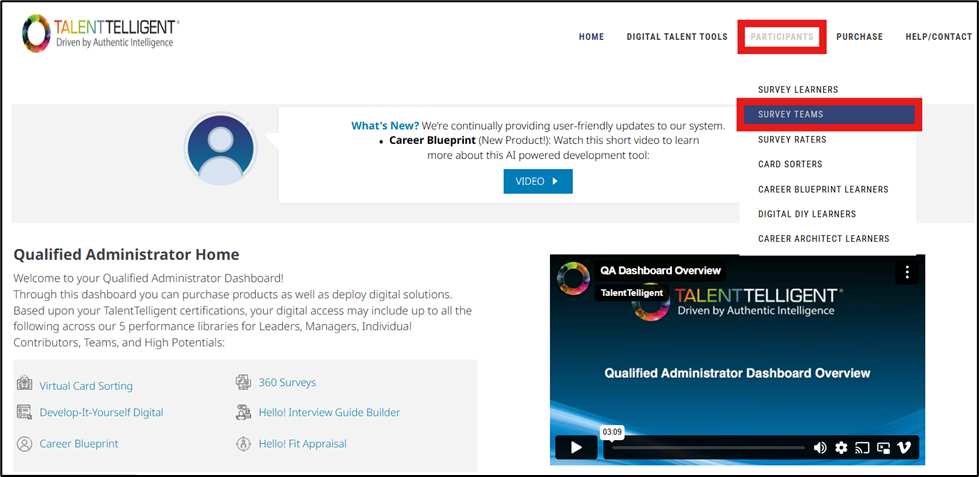
From the Qualified Administrator Home, go to Participants → Survey Teams.
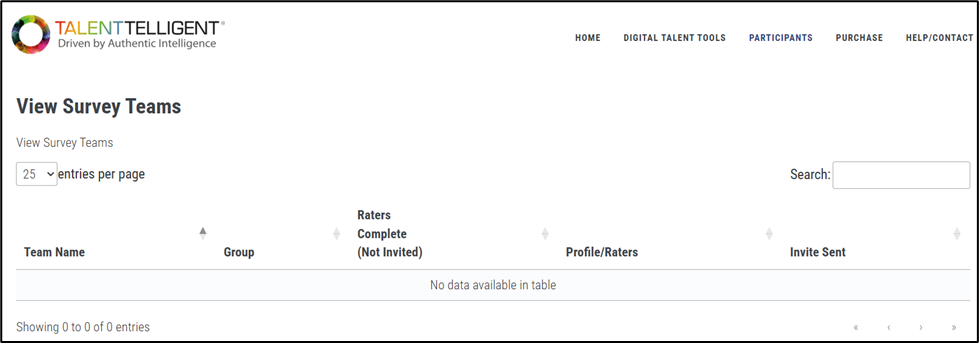
This opens the View Survey Teams page, which displays a table of all survey created under your account. This page allows you to search for, view, or edit team-centric survey teams without needing to open each individual group.
From this page, you can perform the same functions available in the team group view, including resending emails, sending reminder emails, editing team details, and viewing or printing reports.