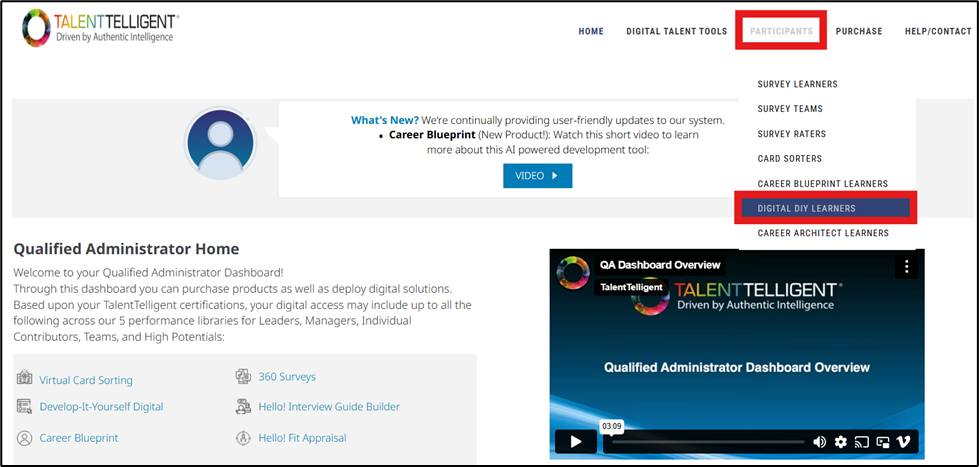
From the Qualified Administrator Home, go to Participants → Digital DIY Learners.
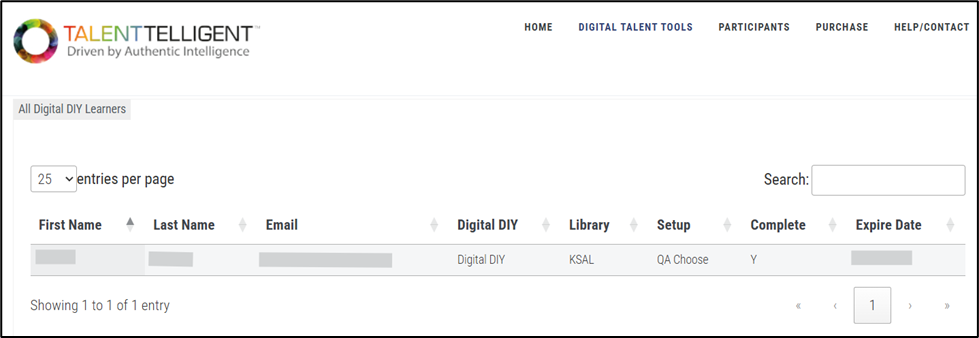
This opens the Digital DIY Learners page, which displays a table of all Digital DIY participants associated with your account. This page allows you to search for, view, or edit learner information without needing to access each individual Digital DIY setup.
From this page, you can review each learner’s details including their name, email, Digital DIY name, assigned library, setup, completion status, and expiration date, and you can update or manage their information as needed.