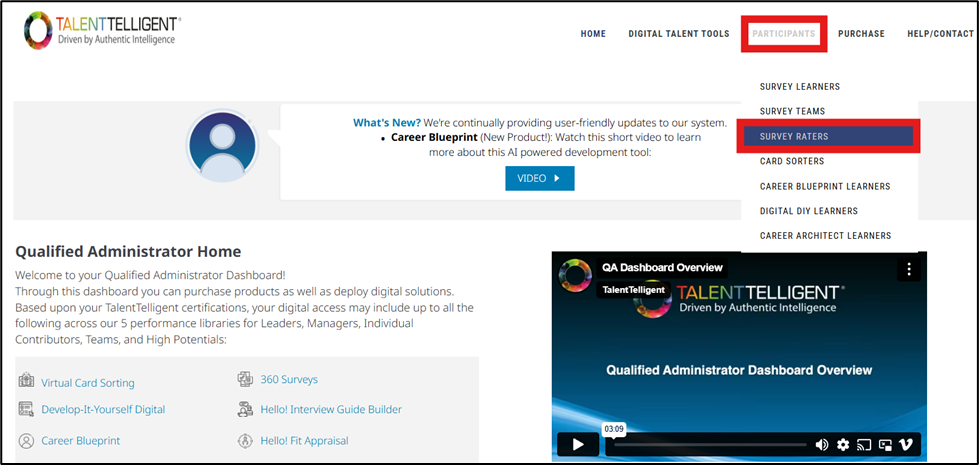
From the Qualified Administrator Home, go to Participants → Survey Raters.
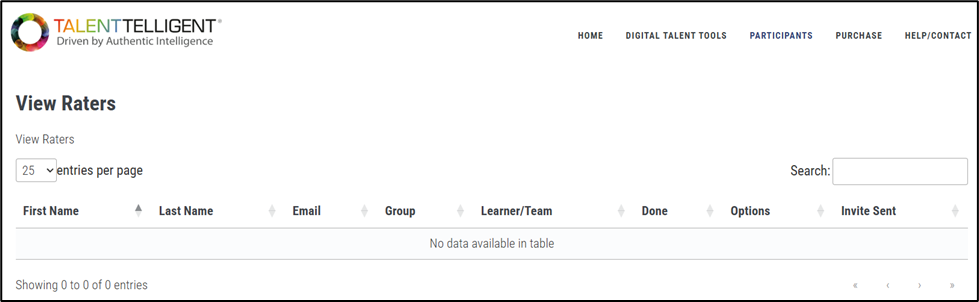
This opens the View Raters page, which displays a table of all survey raters associated with your account. This grid allows you to re-invite or edit Survey Raters without needing to go into each Survey Group’s individual Raters pages for every learner.
You can edit a rater’s details even after they have started their survey; however, once a rater has fully completed their survey, their information can no longer be edited. This page also provides access to resend invitations, send reminder emails, and review rater details as needed.