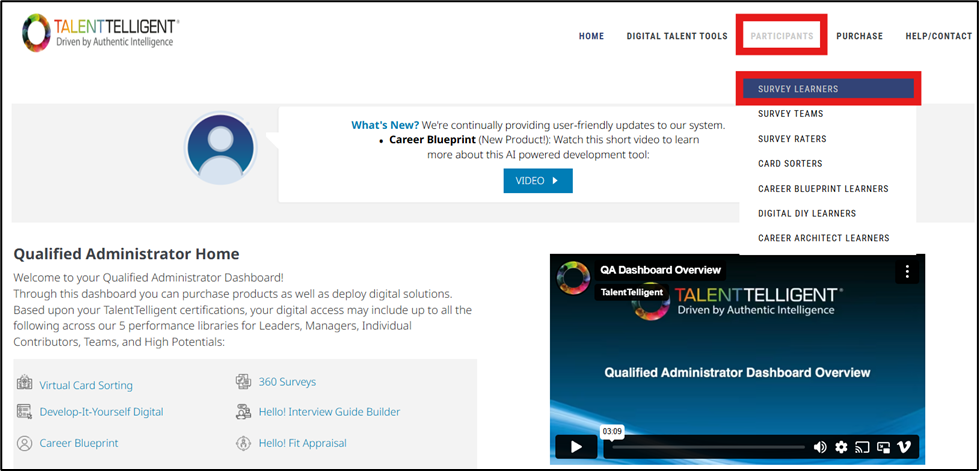
From the Qualified Administrator Home, go to Participants → Survey Learners.
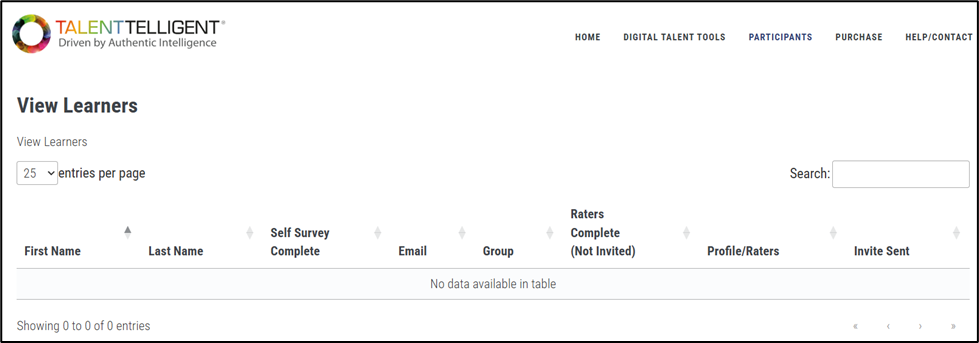
This opens the View Learners page, which provides a table listing all learners added to your surveys. This grid allows you to view or edit Survey Learners without needing to go into each Survey Group’s Manage Learners and Reports page, consolidating all learners under your Qualified Administrator account.
While the initial invitation cannot be sent from this page, you can edit a learner’s information prior to inviting them. After a learner has been invited, you can resend emails, send reminder emails, and continue updating their details. Once a learner completes their survey, their printable report becomes available here, and remains accessible even after the survey is closed.